From first frame to flight test, faster
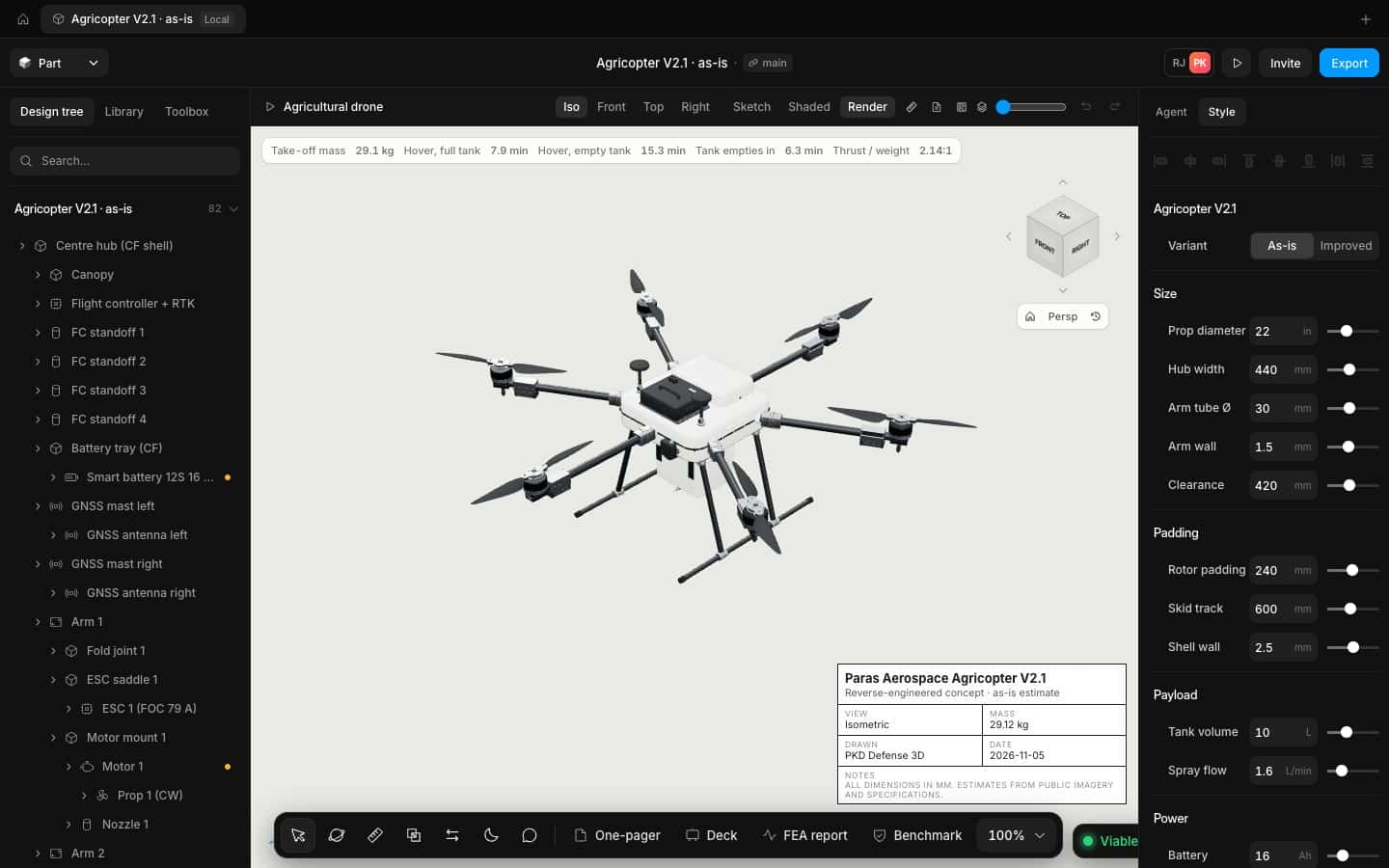
Size the airframe against real motors and batteries, see hover time change as you drag, and walk into the build review with the drawings already done.
What gets in the way
and what changes
The problems we hear most from drone makers, and how Speed takes them off the table.
Spreadsheets that drift from the CAD
Mass and thrust live in one file and geometry in another. Here they are the same model.
Late surprises
The prop hits the arm or the battery won't fit. Clearances are checked on every edit.
Too few options
There is only time to draw one concept. The agent drafts several while you review.
How it works
Three steps, one model, no exports in between.
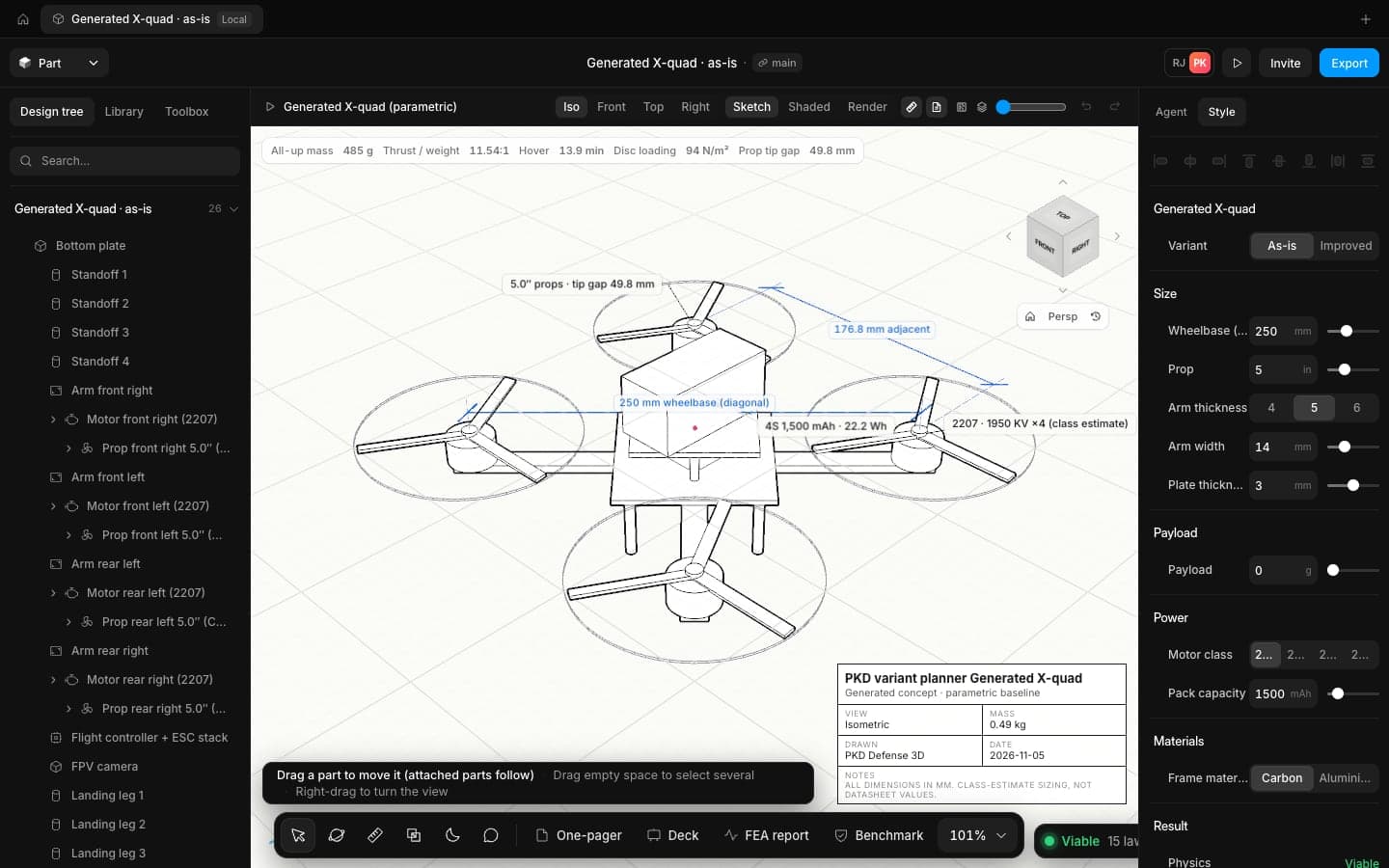
Start from a proven airframe
Pick a quad, hex or sprayer template and drag the prop, arm and battery sizes.
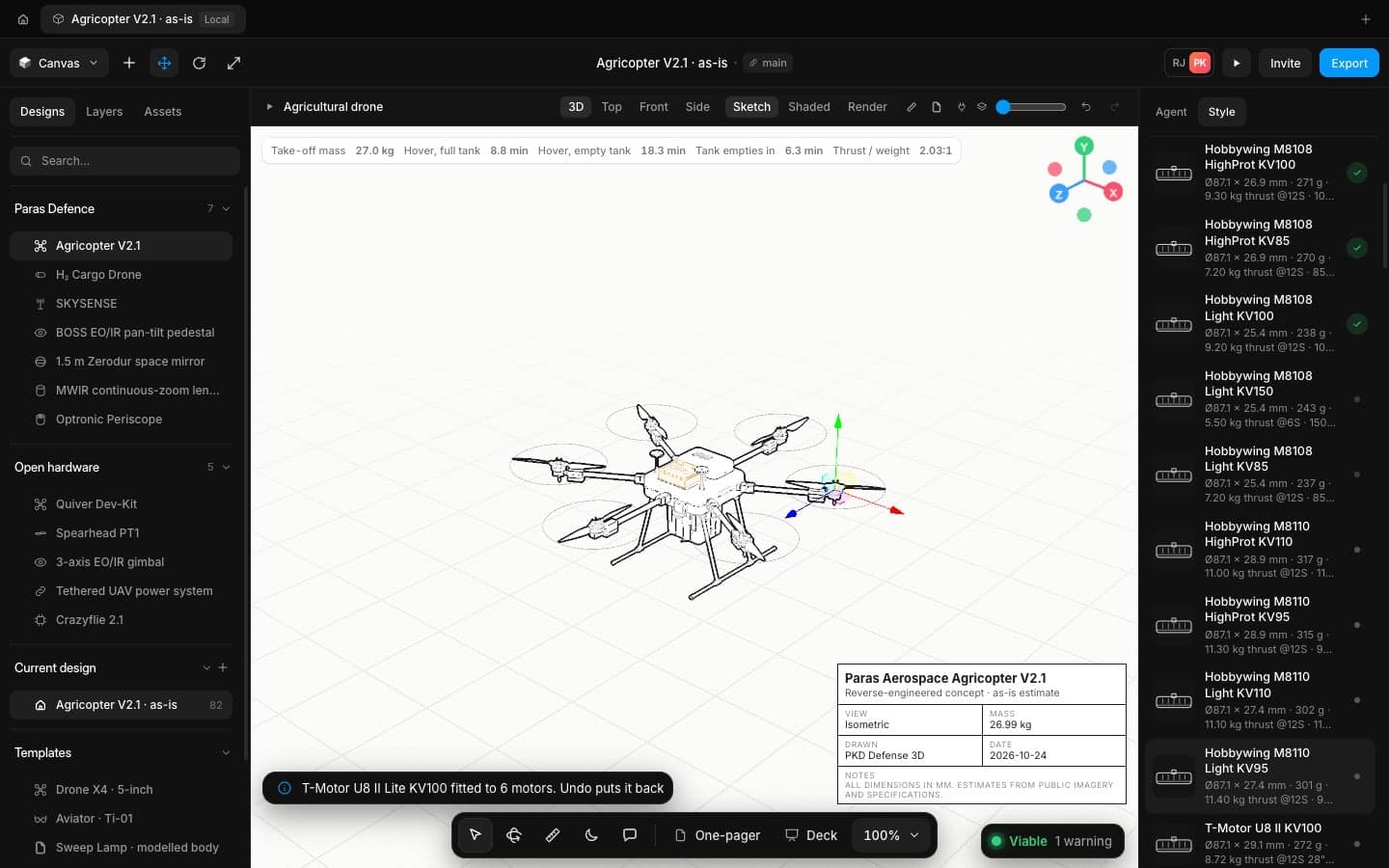
Fit real parts
Compare swaps placeholder motors and batteries for real ones and re-checks the physics.
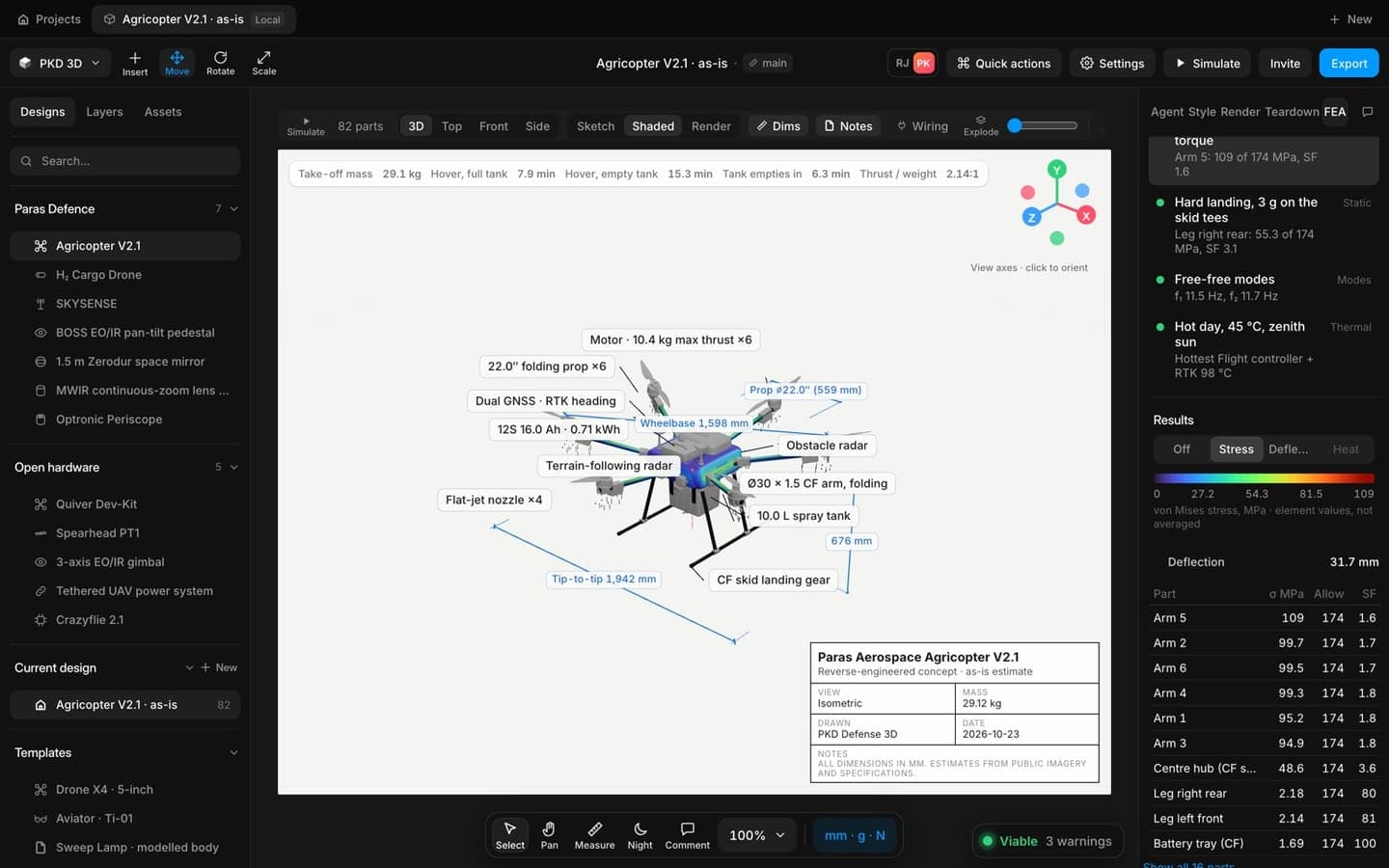
Check the structure
Hard landing, manoeuvre and hot day cases on the real arms and hub.
The tools you'll use most
Physics checks
Mass, thrust to weight, hover time and disc loading update on every edit.
Learn more about Physics checksShip hardware at the speed your programme moves
Open the app in your browser and have a checked concept on screen in minutes. No install, no licence server.